





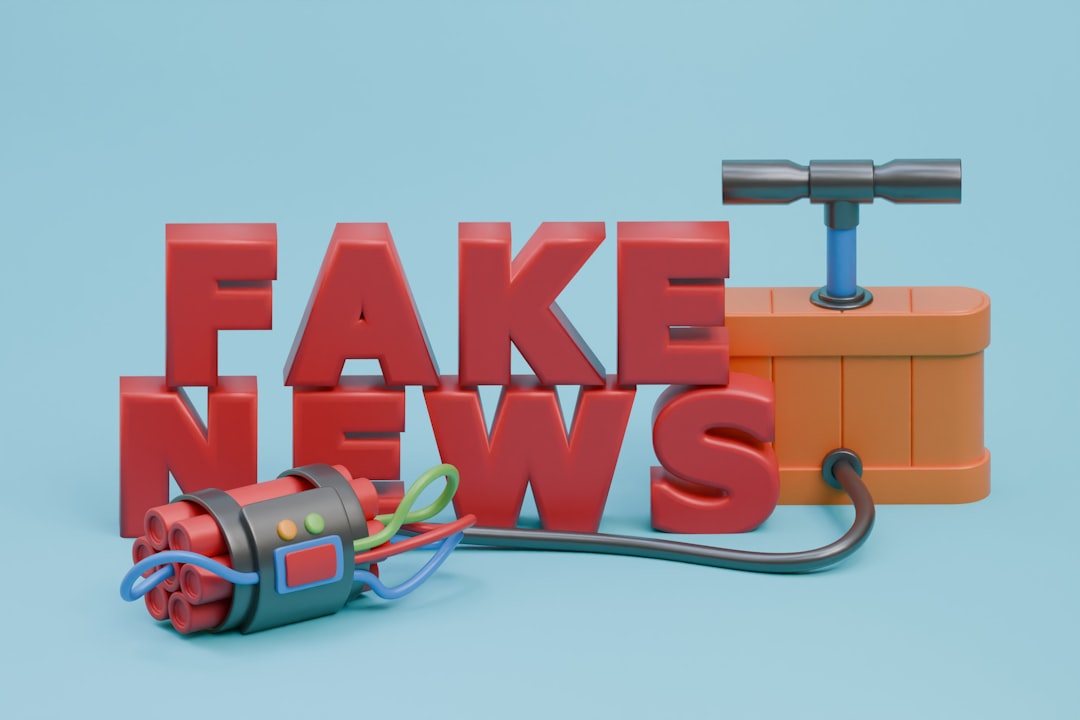
Politics is messy, and so is the information surrounding it. Whether you’re a busy parent skimming headlines during breakfast or a student researching for a debate, fake news can easily slip into your feed. The key is knowing how to spot it. This guide will walk you through practical steps to identify misinformation and stay informed.
Why Fake News Spreads So Quickly

Fake news thrives because it’s designed to grab attention. Sensational headlines, emotional appeals, and confirmation bias all play a role. For example, during the 2020 U.S. elections, false claims about voter fraud spread rapidly because they tapped into existing fears and beliefs. Social media algorithms amplify this by prioritizing content that gets clicks and shares, regardless of its accuracy.
The Anatomy of a Fake News Story
Fake news often follows a pattern. Here’s what to look for:
- Emotionally charged language: Words like “shocking,” “scandal,” or “unbelievable” are red flags.
- Lack of credible sources: If the story cites anonymous or unverified sources, be skeptical.
- Overly simplistic narratives: Complex issues are rarely black and white. If a story seems too neat, it’s probably incomplete or misleading.
Your Step-by-Step Guide to Spotting Fake News

Here’s a practical checklist to help you navigate the political information landscape:
- Check the source: Is it a reputable news outlet or a lesser-known website? Look for domains that mimic trusted sources but have slight variations (e.g., “abcnews.com.co” instead of “abcnews.com”).
- Verify the author: Does the author have a history of credible reporting? A quick Google search can reveal their background.
- Cross-check with other sources: If only one outlet is reporting the story, it’s worth investigating further. Reliable news is usually corroborated by multiple sources.
- Look for bias: Every outlet has some bias, but extreme slanting is a warning sign. Compare how different outlets cover the same story.
- Fact-check with trusted tools: Websites like Snopes, FactCheck.org, and PolitiFact can help verify claims.
Tools and Techniques for Fact-Checking
Here’s a quick comparison of popular fact-checking tools:
| Tool | Best For |
|---|---|
| Snopes | Debunking urban legends and viral claims |
| FactCheck.org | Political claims and election-related misinformation |
| PolitiFact | Rating the accuracy of statements by politicians |
Another technique is reverse image searching. If a story includes a photo, use tools like Google Images or TinEye to see if it’s been used in other contexts.
Real-World Examples: Spotting Fake News in Action
Let’s look at two scenarios:
Scenario 1: A Viral Tweet
You see a tweet claiming, “Senator Smith admits to accepting illegal campaign donations!” Before sharing, check the senator’s official website or verified social media accounts. If there’s no mention of it, the tweet is likely fake.
Scenario 2: A Suspicious Article
An article on a website called “Liberty News Daily” claims, “New law bans all protests in major cities.” Cross-check with mainstream outlets like the BBC or CNN. If they haven’t reported it, the claim is probably false.
Why Critical Thinking Matters
Fake news isn’t just annoying—it’s dangerous. It can sway elections, incite violence, and erode trust in institutions. Critical thinking is your best defense. As journalist Carl Sagan once said:
“Extraordinary claims require extraordinary evidence.”
Apply this mindset to every piece of political information you encounter. If a claim seems too outrageous, dig deeper before accepting it as truth.
How to Stay Informed Without Getting Overwhelmed
Here are a few tips to help you stay informed without drowning in misinformation:
- Limit your sources: Stick to a handful of trusted outlets instead of trying to read everything.
- Set boundaries: Allocate specific times for news consumption to avoid getting sucked into endless scrolling.
- Engage in discussions: Talking with others can help you see different perspectives and question your assumptions.
Final Thoughts
Navigating the political information landscape can feel overwhelming, but it’s not impossible. By following this guide, you’ll be better equipped to spot fake news and make informed decisions. Remember, staying informed isn’t just about consuming information—it’s about consuming the right information.
Frequently Asked Questions
Look for emotionally charged words like “shocking” or “unbelievable” – these are often red flags. Also check if the story presents complex issues as overly simple, since real political situations usually have nuance. For example, claims like “New law bans ALL protests” are almost always exaggerated or false.
Cross-check the story with at least 2-3 reputable sources like BBC, AP, or Reuters. If only one obscure website is reporting it, that’s a warning sign. For political statements, tools like PolitiFact specialize in verifying claims by politicians with their Truth-O-Meter ratings.
They’re designed to trigger strong emotions and confirmation bias. During the 2020 elections, false voter fraud claims spread rapidly because they aligned with existing fears. Social media algorithms then amplify this content because it generates more engagement, regardless of accuracy.
First examine the URL for slight variations (like “abcnews.com.co” instead of abcnews.com). Then research the outlet’s history – established organizations like the New York Times have decades of accountability, while newer sites might lack editorial standards. Tools like Media Bias/Fact Check can help evaluate reliability.
Delete the post and share a correction from a fact-checking site like Snopes or FactCheck.org. A simple “I was wrong about this – here’s the accurate information” helps stop misinformation’s spread. We’ve all been fooled – what matters is correcting the record.
For major claims that could affect your vote or community, invest 2-3 minutes verifying. For less important stories, a quick source check (30 seconds) is enough. Prioritize fact-checking emotionally charged stories about elections, policies, or public figures – these are most likely to be manipulated.