





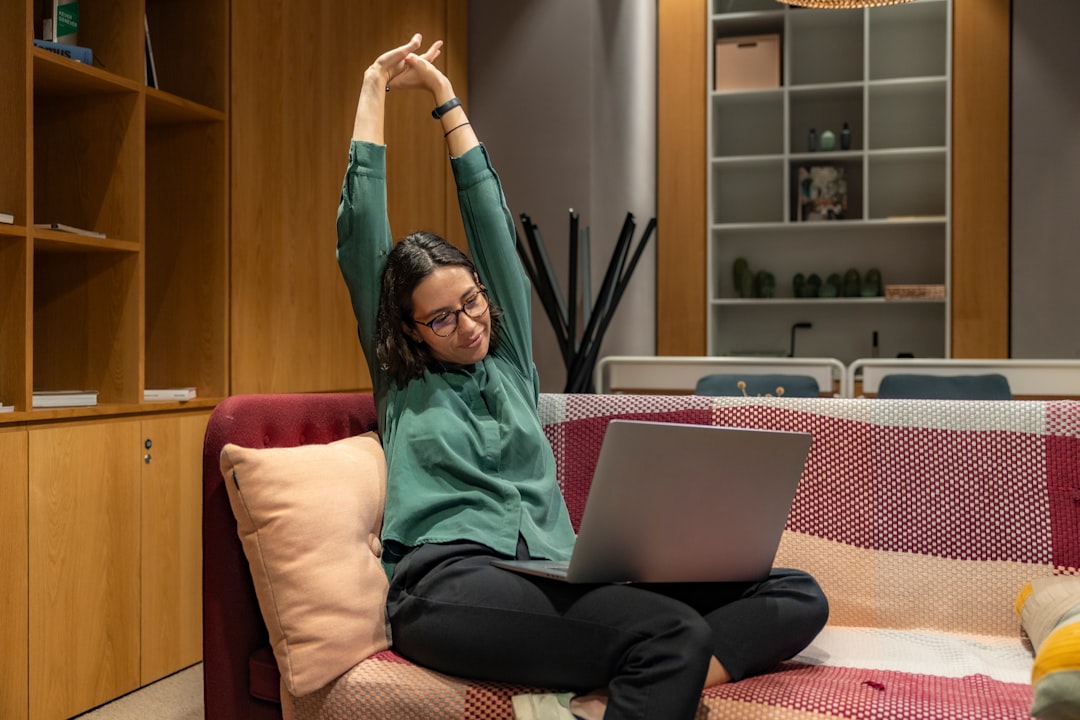
Working from home has its perks—no commute, flexible hours, and the comfort of your own space. But it also comes with challenges, especially when it comes to posture. Slouching on the couch or hunching over a laptop can lead to back pain, neck strain, and even long-term health issues. The good news? Improving your posture doesn’t require a complete overhaul of your workspace or lifestyle. Here are four straightforward ways to sit taller and feel better while working remotely.
1. Set Up Your Workspace for Success

Your workspace plays a huge role in how you sit. If your desk is too low or your chair lacks support, your posture will suffer. Start by adjusting your setup:
- Elevate your screen: Position your monitor at eye level. Use a laptop stand or stack books underneath to avoid looking down.
- Adjust your chair: Your feet should rest flat on the floor, and your knees should form a 90-degree angle. If your chair doesn’t support your lower back, add a cushion or rolled-up towel.
- Keep essentials within reach: Place your keyboard, mouse, and notebook close enough to avoid leaning forward.
Take a cue from Sarah, a freelance graphic designer. She invested in an adjustable desk and noticed her neck pain disappeared within weeks. “I didn’t realize how much I was craning my neck until I fixed my screen height,” she says.
2. Practice the 20-20-20 Rule

Staring at a screen for hours can lead to “tech neck,” where your head juts forward and strains your spine. The 20-20-20 rule is a simple way to combat this:
Every 20 minutes, look at something 20 feet away for 20 seconds. This not only helps your posture but also reduces eye strain.
Set a timer or use an app to remind yourself. Over time, this habit will help you sit taller and reduce tension in your neck and shoulders.
Why It Works
When you shift your gaze, you naturally adjust your posture. It’s a small change that can have a big impact. Busy parents, like Mark, who juggle work and childcare, swear by this technique. “It’s quick, easy, and keeps me from slouching,” he says.
3. Strengthen Your Core and Back Muscles
Good posture isn’t just about how you sit—it’s also about the strength of your muscles. Weak core or back muscles make it harder to maintain an upright position. Incorporate these exercises into your routine:
- Planks: Hold for 30 seconds to a minute to strengthen your core.
- Cat-Cow Stretch: Do this yoga move to improve spinal flexibility.
- Shoulder Blade Squeezes: Sit tall and squeeze your shoulder blades together for 5 seconds, then release. Repeat 10 times.
Emily, a college student studying remotely, started doing these exercises during her breaks. “I feel stronger and more confident in my posture,” she shares.
4. Take Regular Movement Breaks
Sitting for long periods is one of the biggest culprits of poor posture. Even with the perfect setup, your body needs movement. Try these strategies:
- Stand up every hour: Set a timer to remind yourself to stretch or walk around.
- Incorporate desk stretches: Roll your shoulders, tilt your head side to side, or do seated twists.
- Use a standing desk: If possible, alternate between sitting and standing throughout the day.
John, a small business owner, started using a standing desk converter. “It’s made a huge difference in my energy and posture,” he says. “I feel less stiff at the end of the day.”
Movement vs. Sitting: The Benefits
| Activity | Posture Benefit |
|---|---|
| Standing | Reduces pressure on the spine |
| Walking | Improves circulation and muscle engagement |
| Stretching | Relieves tension and increases flexibility |
Small Changes, Big Impact
Improving your posture doesn’t have to be complicated or time-consuming. Start with one or two of these tips and build from there. Whether it’s adjusting your screen height, taking movement breaks, or strengthening your core, every small step counts.
Remember, good posture isn’t just about looking confident—it’s about feeling your best. So, pick one tip to try today. Your back, neck, and future self will thank you.
Frequently Asked Questions
Elevate your laptop so the top of the screen is at eye level—use a stand or stack sturdy books underneath. Pair this with an external keyboard and mouse to avoid hunching. DailyAdviceHub readers report this simple fix reduces neck pain within weeks.
Set a recurring 20-minute timer for the 20-20-20 rule: look 20 feet away for 20 seconds. Apps like Stand Up! or Time Out can automate reminders for stretch breaks too.
Yes! Shoulder blade squeezes (10 reps) and 30-second planks strengthen muscles that support upright posture. Even short sessions during breaks help—like the college student in the article who noticed quick results.
If you sit for 6+ hours daily, yes. Start with an affordable converter (under $100) to alternate sitting and standing. Users like John reported less stiffness and better energy levels.
Check these signs: feet don’t rest flat (use a footrest), knees aren’t at 90 degrees, or your lower back lacks support (add a cushion). The article’s graphic designer fixed these issues and eliminated pain.